MarTech
Every lead traced from click to closed deal
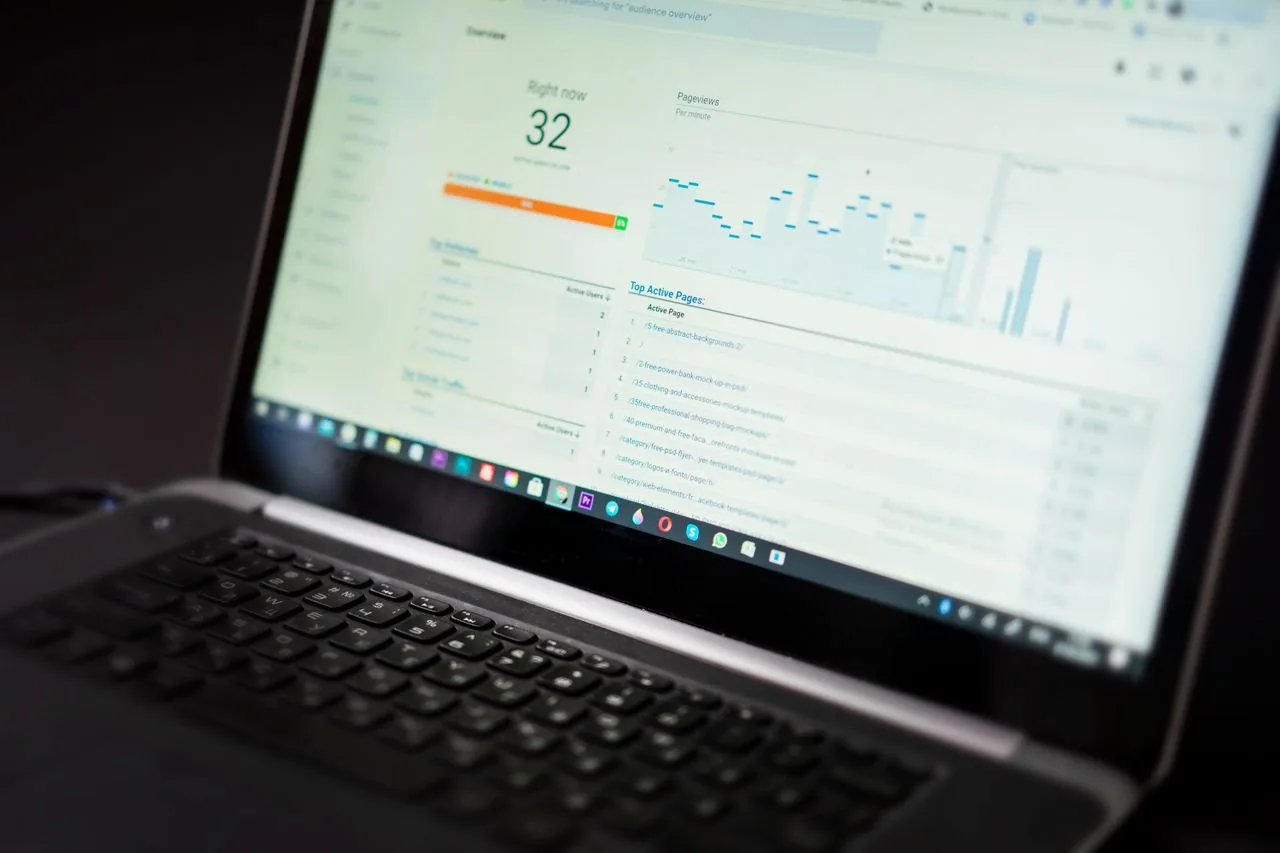
A marketing team could see form fills but not which campaigns produced paying customers. We built first-party tracking that carries each click id into the CRM and joins it to closed deals, so spend is judged on revenue.

Own the click id, and carry it all the way to the deal.
Third-party cookies were the weak link, so we moved tracking first-party and made the CRM record the source of every lead.
The result
Spend judged on revenue,
not form fills.
First-party
Tracking
Click → deal
Every lead traced
One
Reporting view
Live
Instead of weekly exports


The problem
The report stopped at the form.
Campaign data ended where the CRM began, so nobody could say which ads produced paying customers. Blocked third-party cookies hid part of the traffic entirely, and budget moved on form-fill counts.

Attribution stopped at the form
Nobody could say which campaigns produced actual customers.
Blocked tracking
Third-party cookies hid part of the traffic from the reports.
Hand-stitched reporting
Three exports were merged in a spreadsheet every Monday.
Consent rules
Any new tracking had to respect visitor consent, not work around it.
What we build
Useful software for the work your team does every day.
Scheduling and patient access
Booking, intake, reminders, waitlists, rescheduling, and missed-call recovery.
Automated follow-up
Fast lead response, treatment-plan follow-up, recall, and patient reactivation.
Revenue-cycle workflows
Claims support, billing automation, collections, and payment follow-up.
EHR and CRM integrations
Secure connections through APIs, FHIR, HL7, webhooks, queues, and middleware.
AI agents and automation
Patient support, routing, qualification, reporting, and repetitive back-office work.
Portals and healthcare products
Patient portals, internal tools, dashboards, and modernized health platforms.
Who we help
Built around the way different healthcare teams actually work.

Providers
Healthcare groups
Patient access, portals, integrations, reporting, and multi-location operations.

Dental
Dental and orthodontic groups
Treatment follow-up, recall, missed-call recovery, and rebooking workflows.

Aesthetics
MedSpas and wellness clinics
Lead response, consultation recovery, no-show prevention, and reactivation.
How we work
Improve what you have
without starting again.
01 / Stabilize
Fix critical gaps
Resolve the issues causing immediate operational pain.
02 / Integrate
Connect systems
Link the tools teams already rely on every day.
03 / Automate
Remove repeat work
Automate communication, coordination, and reporting.
04 / Scale
Create visibility
Add analytics, governance, and infrastructure for growth.
What clients feel

“We finally know which ads produce customers, not just clicks.”
Growth director · Multi-brand marketing team “Monday stopped being three exports and a spreadsheet.”
Marketing operations lead “Every lead carries where it came from, right through to the sale.”
Head of sales · Inbound team
What we built
Every click carried
through to the sale.
Marketing operations
First-party tracking joined to closed-won revenue.
A first-party tracker gives every click an id. When the visitor becomes a lead, that id is saved on the HubSpot record. BigQuery then joins clicks, leads and closed deals, so the marketing team sees revenue by campaign in one view.
Stamp
Every click
Carry
The id into the CRM
Join
Clicks to closed deals
How it works
Engineering decisions
Closed revenue lives in the CRM. Saving the id there means every deal can be traced back to its first click without matching on names or emails later.
Partly. Anything with a click id in the CRM can be matched retrospectively; traffic before the tracker cannot.