Know who to call.
Before your competitors do.
Qualified leads pulled from public sources, enriched and deduplicated — ready for outreach the moment you export them.
- Targeted discovery
- Contact enrichment
- One-click export
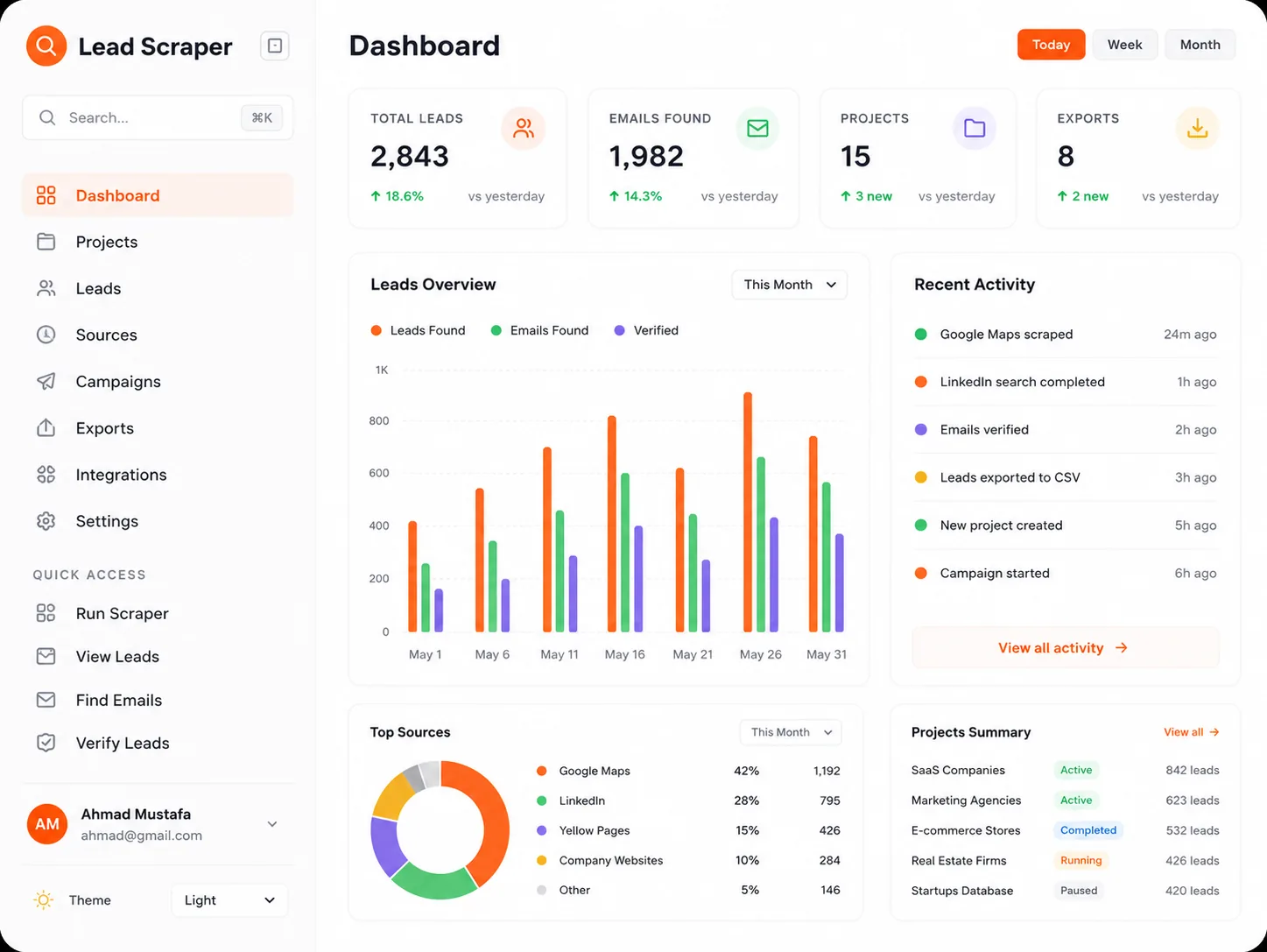
From cold lists to ready conversations
Good leads exist.
Finding them takes time.
Manual list-building eats the hours that should go into talking to the people on the list.
- Reach
Endless sources.
Few real matches.Targeted discovery narrows public sources down to the businesses that actually fit what you sell.
- Context
A name and a URL.
Not much else.Enrichment fills in the contact and business detail your first message needs to land.
- Speed
Fresh research.
Stale spreadsheets.Deduplicated, export-ready lists reach your CRM the moment the search finishes.
A clearer way to build pipeline
Fewer lists.
Better conversations.
Three connected capabilities. One list the team can actually work.
Who to approach
A narrower list.
A better hit rate.
Search public sources by industry, location, and size, and keep only the businesses that match what you sell.
- Filter by industry, location, and size
- Exclude the accounts you already work with
- Save a search and re-run it when you need more
Latest search
ReadyQualified matches
248
From 1,900 businesses scanned
The question it helps answer
"Who should we be talking to?"
Made for the people filling the pipeline
Less list-building.
More selling.
For the people who need a steady supply of leads worth calling.
Discuss your use caseFounders
Build a pipeline without hiring a research team first.
Start the pipelineSales leads
Give the team a list that is current, relevant, and ready to work.
Fill the queueMarketing teams
Size a segment before committing budget to a campaign.
Test a segment
A practical routine
From a search to a
conversation.
Define the segment
Set the industry, location, and size of the businesses you want.
Review the matches
Scan the list, drop what does not fit, and keep what does.
Export and reach out
Send the cleaned list to your CRM and start the conversations.
Before you get started
Good questions.
Straight answers.
Have a specific segment in mind?
Ask the SystemsD teamWe'll help you understand whether Lead Scraper fits your market.
Common questions about Lead Scraper
Public sources only — business directories, company websites, and open registries. Nothing is bought from a private data broker.
Collection is limited to business contact data from public sources, and removal requests are honoured. Your outreach still has to meet the rules of the market you sell into, so your sending process needs checking too.
Yes. CSV works everywhere, and a direct export can be wired into the CRM you already run.
Each search runs against the sources at that moment, so a re-run picks up what changed rather than replaying an old list.
No. Lead Scraper builds the list; the messaging and sending stay with your team and the tools you already use.
It depends on search volume and how many people need access. We will quote it on a call rather than guess here.
See if Lead Scraper fits your market
Research that turns into conversations
Tell us who you sell to, where they are, and what a good lead looks like. We will show you what the search returns.
Request a Lead Scraper demoinfo@systemsd.co