Fill every chair.
Before the day starts.
No-show recovery, instant lead replies, and waitlist backfill — running on top of the booking tools your clinic already uses.
- No-show recovery
- Instant lead replies
- Waitlist backfill
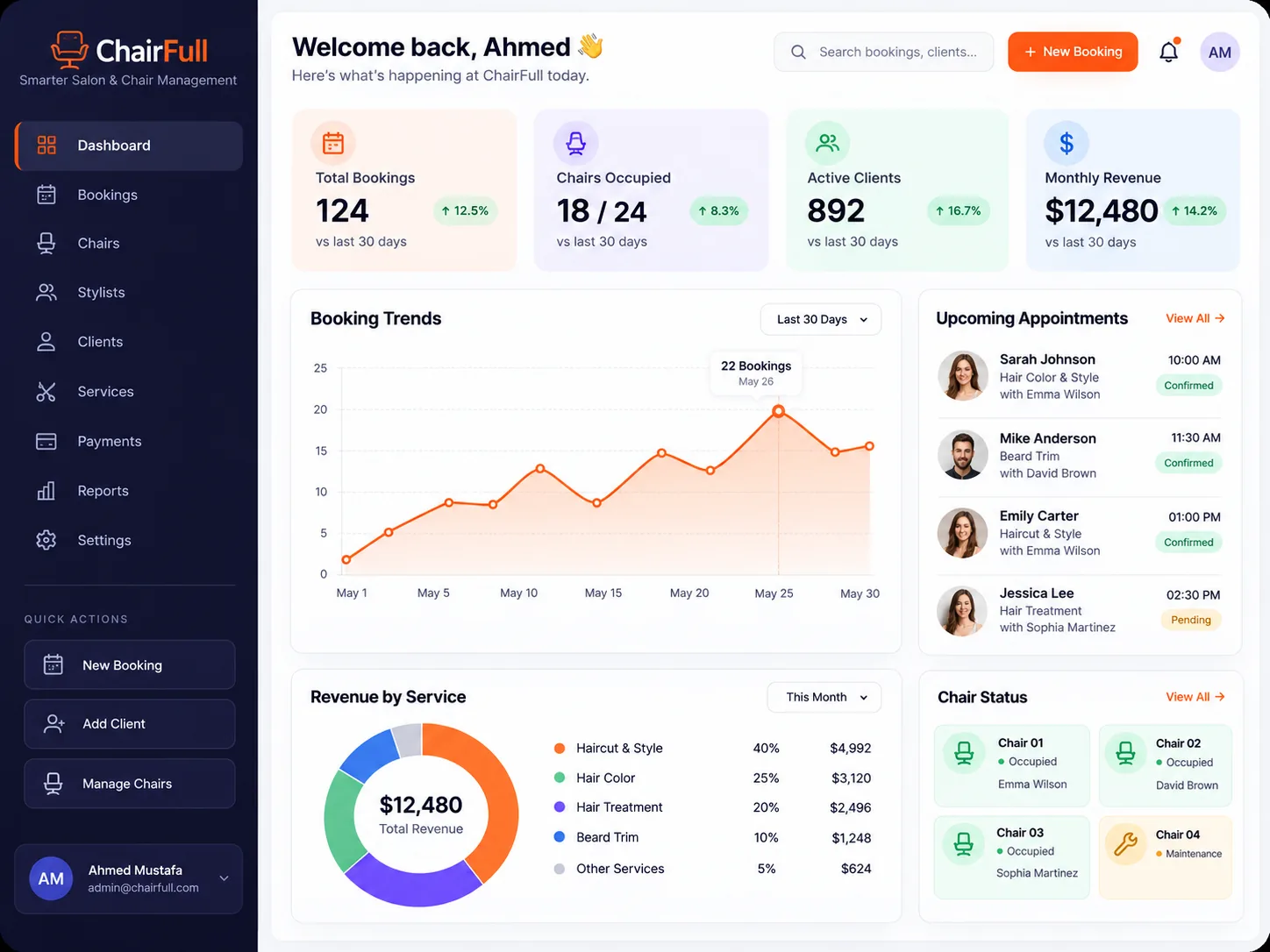
From empty slots to a full schedule
The chairs are there.
The bookings drift.
No-shows, slow replies, and gaps in the calendar cost a clinic more than a quiet month does.
- Retention
A booked day.
Half the chairs empty.Smart reminders and no-show recovery bring cancelled slots back before the day starts.
- Response
A new enquiry.
An hour of silence.Instant replies answer every lead in under a minute, whoever is on the floor.
- Capacity
A cancellation.
A waiting list.Waitlist backfill offers the open slot to the next client automatically.
A clearer way to run the calendar
Fewer gaps.
Fuller days.
Three connected capabilities. One schedule that holds together.
Before the gap appears
A reminder that lands.
A slot that holds.
Reminders go out on the channels clients actually read, and a cancellation starts the recovery flow instead of leaving a hole in the day.
- Reminders timed to when people actually confirm
- Cancellations trigger an immediate refill attempt
- A record of which slots were saved
This month
HealthyNo-show rate
7%
Down from 11% before setup
The question it helps answer
"How many chairs sat empty this week?"
Made for the people running the floor
Less chasing.
More chairs filled.
For the people who feel every gap in the day.
Discuss your use caseClinic owners
See what empty chairs are costing and what recovery brings back.
Protect the revenueFront desk teams
Stop chasing confirmations by hand between clients.
Clear the adminPractitioners
Start the day with a schedule that holds instead of one full of gaps.
Keep the day full
A practical routine
From an empty slot to a
booked chair.
Check the day
See today's bookings, the gaps, and which slots are at risk.
Work the gaps
Let recovery and the waitlist chase the openings while you see clients.
Review the week
Look at what filled, what did not, and where the pattern is.
Before you get started
Good questions.
Straight answers.
Using a booking system already?
Ask the SystemsD teamWe'll confirm ChairFull works with the tools your clinic runs.
Common questions about ChairFull
No. ChairFull sits on top of Boulevard, Mindbody, or Zenoti and works the gaps your calendar already has.
By the channels your clients answer — text and email — with the timing tuned to when confirmations actually come back.
The slot goes to the waitlist immediately and is offered in order until it is taken, without double-booking your calendar.
Message frequency is capped, and anyone who opts out stops hearing from it. The aim is one well-timed reminder, not a stream.
Usually under a week: connect the booking system, agree the message wording, then go live.
It depends on locations and chair count. We will quote it on a call rather than guess here.
See if ChairFull fits your clinic
Scheduling that keeps the chairs full
Tell us how you book, where the gaps appear, and what you use today. We will show you what recovery would look like for your clinic.
Request a ChairFull demoinfo@systemsd.co